
Website audit checklist: check your own business website in 30 minutes
A practical website audit checklist for business owners: test your site in 30 minutes for inquiries, mobile, speed, Google, trust, accessibility and security, with free tools.
Most slow business websites are slow for the same handful of reasons: photos uploaded straight from a camera, too many third-party scripts, a heavy theme with dozens of plugins, and cheap hosting without caching. None of them is exotic, and most can be fixed without a new website. Here's how to measure the problem properly, what to fix first and when a rebuild is the cheaper option.

Run your homepage and your most visited page through PageSpeed Insights and look at the section that shows data from real visitors. If the main content takes longer than 2.5 seconds to appear on phones, start with the images, then remove scripts you don't need, then look at plugins and hosting. In that order, because that's roughly where the wasted kilobytes and seconds are on a typical small-business site.
You won't be alone. The HTTP Archive's Web Almanac 2025 found that only 48% of websites pass all three Core Web Vitals on mobile, and loading speed (LCP) is the one most sites fail.
Visitors don't wait politely. If the page is blank or keeps jumping around, they go back to the search results and click the next company. Nobody tells you they left, so a slow site shows up as fewer inquiries rather than as complaints.
The best-known numbers come from a study Deloitte ran for Google, Milliseconds Make Millions. Across 37 brands in Europe and the US, a 0.1-second improvement in mobile speed went together with 8.4% more conversions for retail sites and 10.1% for travel sites. Treat it as a direction, not a promise: Google commissioned it and it shows correlation across large sites. But the pattern matches what anyone who has watched people use a slow site on a phone will recognise.
Speed also matters for search. Google recommends good Core Web Vitals “for success with Search” and says page experience aligns with what its ranking systems reward. Relevance still comes first, so a fast page that doesn't answer the question won't rank. Between two similar pages, the slow one has nothing on its side.
PageSpeed Insights shows two kinds of data, and people mix them up all the time.
The three Core Web Vitals and their targets, as defined on web.dev:
| Metric | What it means for a visitor | Good | Usual culprit |
|---|---|---|---|
| LCP, Largest Contentful Paint | When the main content (often the hero image or headline) appears | 2.5 s or less | Huge hero image, slow server, render-blocking scripts |
| INP, Interaction to Next Paint | How quickly the page reacts when you tap a button or open the menu | 200 ms or less | Too much JavaScript, chat and tracking widgets |
| CLS, Cumulative Layout Shift | Whether the page jumps while you try to read or tap | 0.1 or less | Images without dimensions, late banners, web fonts swapping |
Then do the test that no tool replaces: open the site on an average phone, on mobile data, with Wi-Fi turned off. Try to read the first screen and tap the main button. If you catch yourself waiting, your customers do too. If you have Search Console, the Core Web Vitals report groups your pages by problem, which is handy once the site has more than a few pages.
A photo from a modern phone is often 3–5 MB and 4,000 pixels wide. Displayed in a 1,200-pixel box, most of that is thrown away, but every visitor still downloads it. One unoptimised hero photo can weigh more than the rest of the page combined.
loading="lazy" to images further down the page, but not to the hero image, which should load first.For comparison: the homepage of this site, with seven project screenshots and four team photos on it, adds up to about 650 kB of files in total. The Web Almanac's page weight chapter puts the median mobile home page at 2.6 MB. Most of that difference is images.
Chat widgets, two or three analytics tools, a heatmap left over from an old project, a social feed, an embedded map, a YouTube video, the cookie banner. Each one loads its own code from someone else's server, and together they're the main reason phones feel sluggish when you tap.
Multipurpose themes and page builders are built to do everything, so every page loads code for features you don't use. Add a plugin for the slider, one for the forms, one for SEO, one for the gallery and a few more for small tweaks, and the browser ends up loading dozens of separate files. Remove plugins you don't need, replace three overlapping ones with one, and drop sliders altogether. A carousel hides most of its messages behind the first slide and loads every image anyway.
If the server takes a second just to start sending the page, nothing else can be fast. You'll see it in PageSpeed Insights as a slow “Time to First Byte”. The common fixes are page caching (so the server doesn't rebuild every page for every visitor), compression, a CDN for visitors in other countries, and moving off the cheapest shared hosting plan. For a company site, decent hosting costs little compared to what a slow site loses.
Four font families in five weights each can mean a megabyte of fonts before any text appears. Most business sites need one family in two or three weights. Host the files yourself, use the WOFF2 format and preload the one used above the fold. This site uses a single font file of 27 kB.
CLS problems come from images and embeds without fixed dimensions, cookie or promo banners that push the content down after it loads, and fonts that swap and change the length of lines. Reserve space for everything that loads late, and show banners as overlays rather than inserting them above the content.
| Fix | Typical effect | Effort |
|---|---|---|
| Resize and convert images | Large, often the biggest single gain in LCP | Hours |
| Remove unused scripts and widgets | Large for INP, medium for LCP | Hours |
| Turn on caching and compression | Medium to large, depends on hosting | Hours |
| Cut plugins, replace the slider | Medium | Days |
| Fewer font files | Small to medium | Hours |
| Better hosting | Medium to large if the server was the bottleneck | Days |
| Rebuild on a lighter setup | Large, and it stays fast | Weeks |
Measure before and after each step, using real-user data where you have it. Real-user data covers the last 28 days, so give a fix about four weeks to show up there fully.
If you're not sure which of these your site suffers from, we check it for free. Send us the address through our free website check and we'll tell you what slows it down and which fix will make the biggest difference, in plain language.
Sometimes you clean up images and scripts and the site is still slow, because the theme or builder generates bloated pages no matter what you do. Then you're paying someone to fight the platform every month. That's the point where a rebuild on a lighter setup usually costs less over two or three years than more optimisation. We build speed in from the start: images in modern formats at the right size, one font file, no page builder, and only the scripts a client actually uses. If you're weighing the options, read how to choose a CMS and our redesign checklist, which explains how to switch without losing your Google rankings.
The main content should appear within 2.5 seconds for most visitors on phones, which is Google's threshold for a good Largest Contentful Paint. The page should also react to taps within 200 milliseconds and not jump around while loading.
No. The 0 to 100 score comes from one simulated visit and changes between runs. What matters is the real-user data at the top of the report: whether your pages pass the Core Web Vitals for actual visitors.
It plays a part. Google recommends good Core Web Vitals for success in Search and says page experience aligns with what its ranking systems reward, but relevance comes first. Speed matters more for keeping the visitors you already get.

A practical website audit checklist for business owners: test your site in 30 minutes for inquiries, mobile, speed, Google, trust, accessibility and security, with free tools.
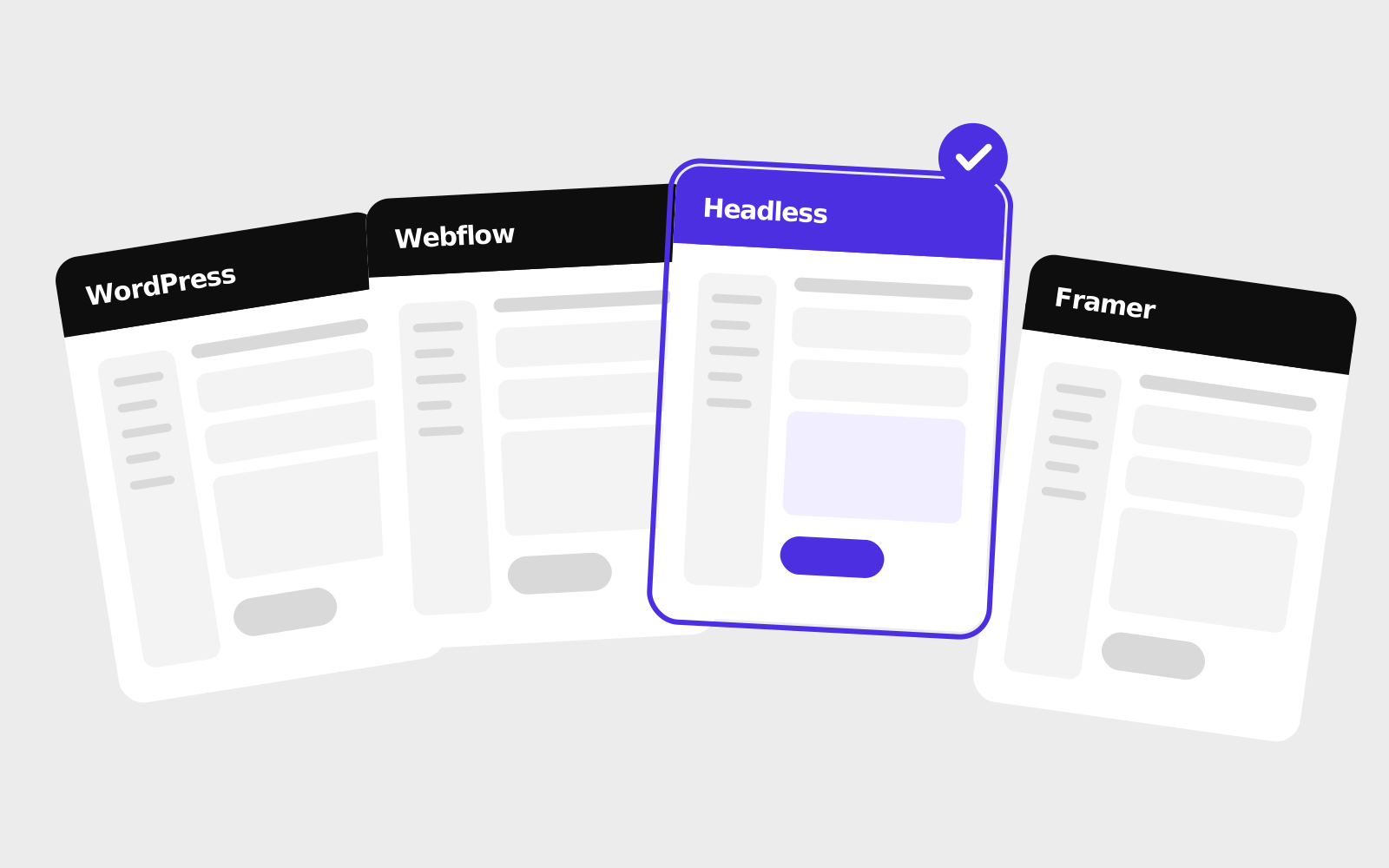
How WordPress, Webflow, Framer, headless CMSs and website builders compare in 2026, and how a small or mid-sized company can pick between them.

Signs your business needs a new website, redesign vs refresh vs rebuild, and a step-by-step checklist for redesigning without losing your Google rankings.