Give your website a job to do
A company website earns its cost when it does a job: answers questions, filters leads, takes bookings. How to plan a site around the work it should do.
“Which CMS should we use?” is usually the first technical question a client asks us, and it's often not the best place to start. The right system depends on who will edit the site, how often, and what the site has to do. Below is how the main options compare.
 Patrik Beneš · Founder10 min read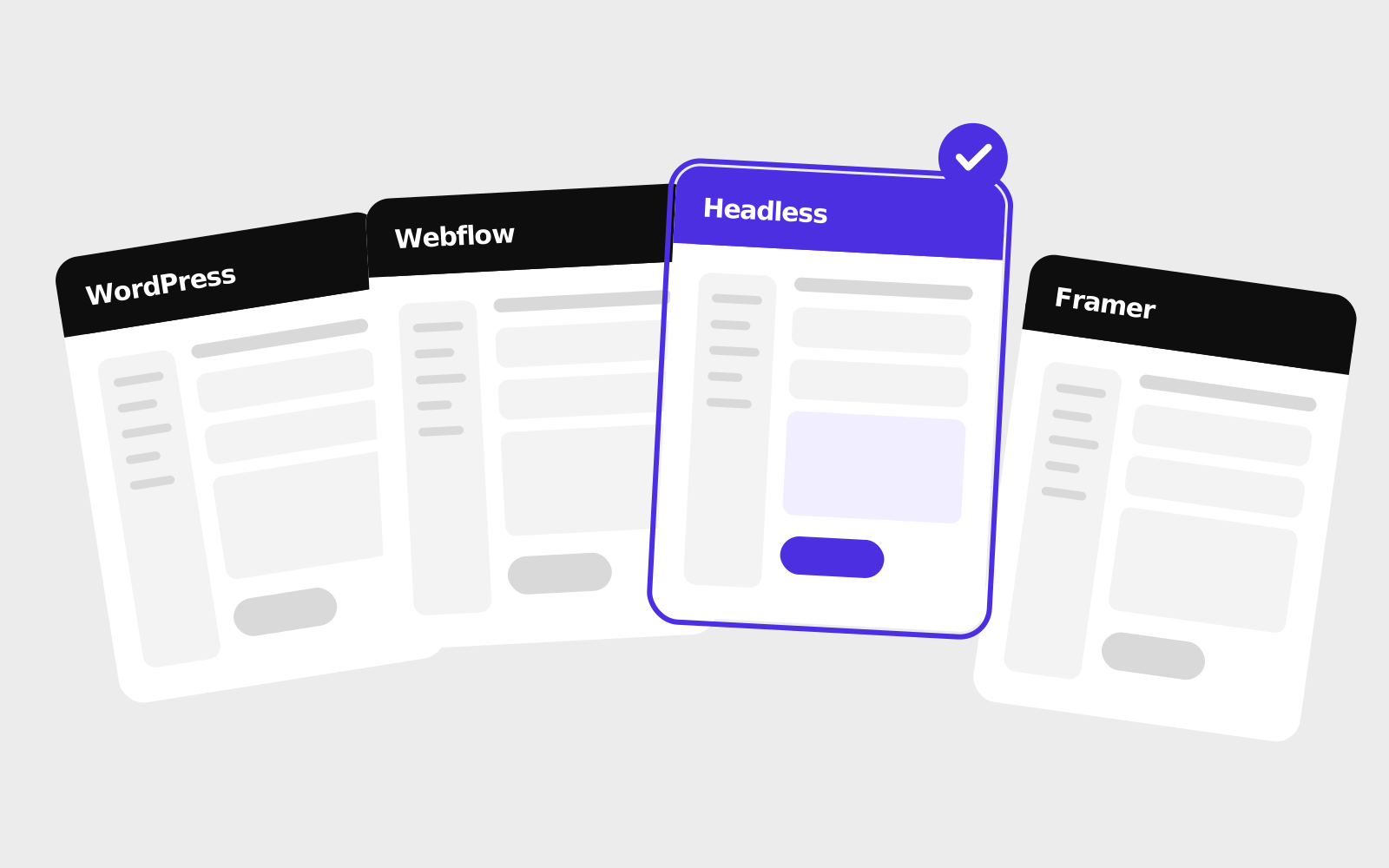
Before you start comparing platforms, try to answer these honestly:
Once you have the answers, the choice is usually fairly clear. Without them, every CMS looks either perfect or terrible depending on who's selling it to you.
Still the most widely used CMS on the web by a large margin, with roughly four in ten websites running on it. That popularity works for it and against it.
Good for: content-heavy sites, blogs, organisations that need lots of integrations, teams that want to self-host and own everything. You can find a WordPress developer almost anywhere.
Watch out for: plugin sprawl. A typical WordPress site ends up with dozens of plugins from different authors, each needing updates. Neglected WordPress sites are a common target for attacks. Page builders can slow the site down and make editing fragile, since one wrong drag can break the layout.
Verdict: a solid choice when it's built cleanly (custom theme, few plugins) and someone is responsible for maintenance. As a “cheap default” that nobody looks after, it tends to cause trouble.
A hosted visual builder with a proper CMS built in. Designers like it because what you design is very close to what ends up published.
Good for: marketing websites with a strong visual identity, teams where designers or marketers want to build and change pages themselves, structured content like case studies, team members or job listings.
Watch out for: pricing that scales with sites, CMS items and editors; a learning curve that's steeper than it looks; and lock-in, because you can export the code but you can't easily move a working CMS somewhere else. Complex logic or integrations often need extra tools.
Verdict: very good for marketing sites when the team will actively use it, and more than you need if nobody will.
A newer, design-first builder that has caught on with startups and for landing pages. You can produce good-looking animated pages with it very quickly.
Good for: landing pages, product launches, portfolios and smaller marketing sites where speed of iteration matters more than complex content structures.
Watch out for: the CMS is simpler than Webflow's or a dedicated headless system, and you're tied to the platform's hosting and pricing. That's fine for a lot of businesses, but it gets limiting for content-heavy ones.
Verdict: great when you want to launch something polished quickly. Just check it will still fit once the site grows.
A headless CMS only stores and manages content. The website itself is a separate, custom-built front-end that pulls the content in. Most agencies work this way on larger projects.
Good for: sites with custom functionality, multiple languages, content reused across website, app and other channels, or strict performance and security requirements. The editing interface can be set up to match exactly what your team edits.
Watch out for: you need developers to build and change the front-end. The initial cost is higher, and you depend on the team that built it, so pick one that will still be around in a few years.
Verdict: the most flexible option, and usually the fastest and most secure result. It's worth it when the site has real functionality or a long life ahead, but unnecessary for a simple brochure site.
All-in-one platforms where you choose a template and fill it in yourself.
Good for: very small budgets, side projects, a first website you'll build on your own. For simple online stores, Shopify is a genuinely strong option.
Watch out for: your site will look like many others, performance and SEO control are limited, and moving away later usually means starting over.

| Editing for non-developers | Design freedom | Custom functions | Maintenance load | Lock-in | |
|---|---|---|---|---|---|
| WordPress | Good (varies by build) | High | High (plugins / custom code) | High | Low |
| Webflow | Good | Very high | Medium | Low | High |
| Framer | Very good | High | Low–medium | Low | High |
| Headless + custom front-end | Very good (built for your content) | Unlimited | Unlimited | Low–medium | Low–medium |
| Wix / Squarespace | Very good | Template-bound | Low | Very low | Very high |
Pick the CMS your team will actually use, and make sure it's clear who is responsible for maintaining it.
If you're not sure you need a CMS at all, read Do you actually need a CMS?
A company website earns its cost when it does a job: answers questions, filters leads, takes bookings. How to plan a site around the work it should do.

Search is changing, AI assistants answer questions directly and visitors are on phones. Our checklist of what a small company website needs in 2026, and what it can do without.
A CMS lets you edit your website yourself, but plenty of businesses never use one. How to tell whether it will save you money or just give you more to maintain.