Being online in 2026: what a small business website actually needs
Search is changing, AI assistants answer questions directly and visitors are on phones. Our checklist of what a small company website needs in 2026, and what it can do without.
Most small business websites are put together like a printed brochure, with a logo, a few nice photos and a list of services, and then they just sit there. In our experience a website only starts paying for itself once somebody gives it a specific job.
 Patrik Beneš · Founder7 min read
A brochure website answers one question: “Does this company exist?” That was enough in 2010. Today the people landing on your site already know you exist, because they found you on Google, on a map, in an AI answer or through a recommendation. They arrive with a concrete question and not much patience.
If the site doesn't answer it within a few seconds, they go back and try the next result. Nobody rings to say they left, so all you notice is a quiet inbox, and sooner or later someone decides the website “doesn't bring anything”.
When a site underperforms, the design is rarely the main cause. Usually nobody ever decided what the website was supposed to do.
Before you think about design or technology, pick the one or two jobs that matter most for your business. Most useful company websites do some mix of these:
Any tool has an output, so decide what yours is and start tracking it on launch day. There's no need for a complicated analytics setup. Two or three numbers you'll actually look at are enough:
With those you can make sensible decisions. If inquiries arrive but they're the wrong kind, look at the copy or the form. If people visit but nobody writes, the site isn't answering their question. And if hardly anyone visits at all, you have a visibility problem, which is a separate conversation.
This is a shortened version of how we start every project. You can do it yourself on a single sheet of paper:
Three or four types of visitor are usually enough, for example “a facility manager comparing cleaning suppliers” or “a parent looking for a dentist who's open after 5 pm”. Each of them comes with one main question.
That might be a call, a booking, an inquiry or a downloaded price list. Pick one main action for the whole site and make it visible on every page. You can have secondary actions too, as long as they don't compete with it.
Rather than starting from the default “About us”, “Services” and “Contact”, structure the site around what visitors want to know: What do you do? How much does it cost? How long does it take? Can I trust you? How do I start? The menu labels can stay familiar, as long as the content behind them actually answers something.
Sliders with slogans, stock photos of handshakes, a news section updated twice in three years. All of these make the important parts harder to find.
You don't need fifty pages or a big budget. Some of the best-performing sites we've built have five or six pages, one clear offer and a form that asks the right three questions. In each case, someone decided upfront what a good result would look like.
Open your current website on your phone and ask: within five seconds, can a new visitor tell what you do, for whom, roughly what it costs and how to start? If any of those is missing, start there. Fixing it usually doesn't need a redesign.
Search is changing, AI assistants answer questions directly and visitors are on phones. Our checklist of what a small company website needs in 2026, and what it can do without.
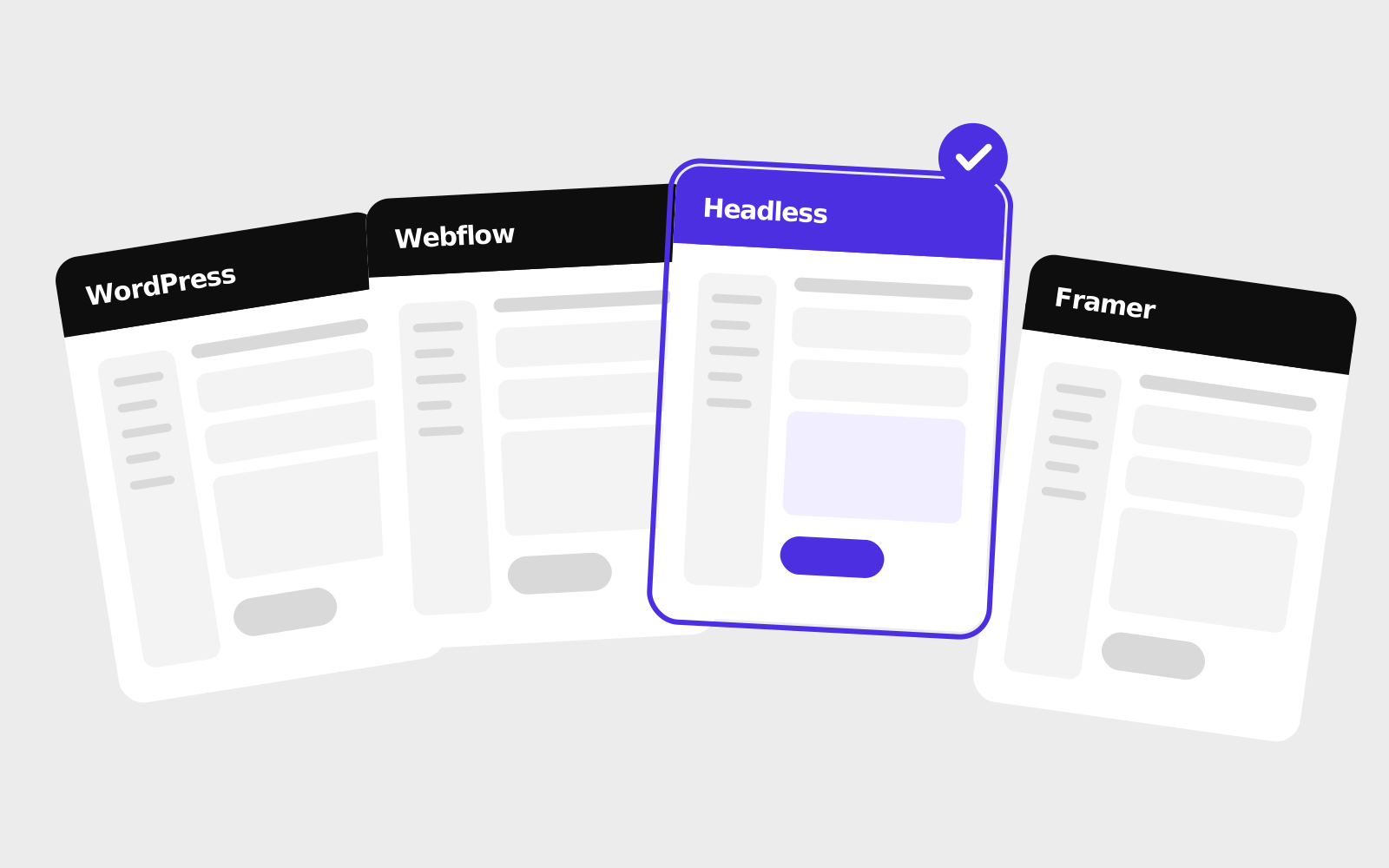
How WordPress, Webflow, Framer, headless CMSs and website builders compare in 2026, and how a small or mid-sized company can pick between them.
A CMS lets you edit your website yourself, but plenty of businesses never use one. How to tell whether it will save you money or just give you more to maintain.