Give your website a job to do
A company website earns its cost when it does a job: answers questions, filters leads, takes bookings. How to plan a site around the work it should do.
“We want to be able to change things ourselves” is one of the things we hear most often from clients, and it's a reasonable thing to want. A content management system does cost something, though, in money, maintenance and complexity, and on some websites nobody logs into it again after launch.
 Patrik Beneš · Founder6 min read
A CMS (content management system) is the admin interface behind the website where you can edit texts, swap photos, add projects, publish articles or manage inquiries without touching code or calling a developer.
What you're really paying for is independence and speed. You can fix a typo at 10 pm, publish a new reference the day the project is finished or update prices without waiting for anyone.

In these cases a fast static site with a small maintenance arrangement is often cheaper and quicker, and it's more secure too. Without an admin login there's no login to hack, no plugins to update and nothing for anyone to break by accident.
Estimate how many changes you'll realistically make per year and what they would cost as paid developer time. Then compare it with what a CMS adds: the build itself, plus any licence or maintenance fees over a few years.
If you expect five small edits a year, each taking a developer half an hour, paying for them as you go will almost always be cheaper than a CMS. If you'll publish a new project every month and adjust prices every quarter, a CMS pays for itself quickly, and you can make changes the moment you need them.
There's a hidden cost on the other side as well. Content often goes stale because asking someone to change it feels like a hassle, and visitors notice when information is out of date.
If you do need one, the most common mistake is getting too much of it. A full page builder where you can change every margin and colour sounds flexible. In practice, we've seen carefully designed websites slowly fall apart that way.
A better approach is a CMS shaped around your content:
A well-designed CMS leaves out the options you'll never use, which makes the ones you need easy to find.
You don't have to decide forever. A well-built site can start without a CMS and get one later, or start with a CMS limited to two or three sections and grow. The important thing is that the technical setup allows for it, so ask about this before the project starts.
If you want to compare the options in more detail, see WordPress, Webflow, Framer or headless: how to choose a CMS.
A company website earns its cost when it does a job: answers questions, filters leads, takes bookings. How to plan a site around the work it should do.

Search is changing, AI assistants answer questions directly and visitors are on phones. Our checklist of what a small company website needs in 2026, and what it can do without.
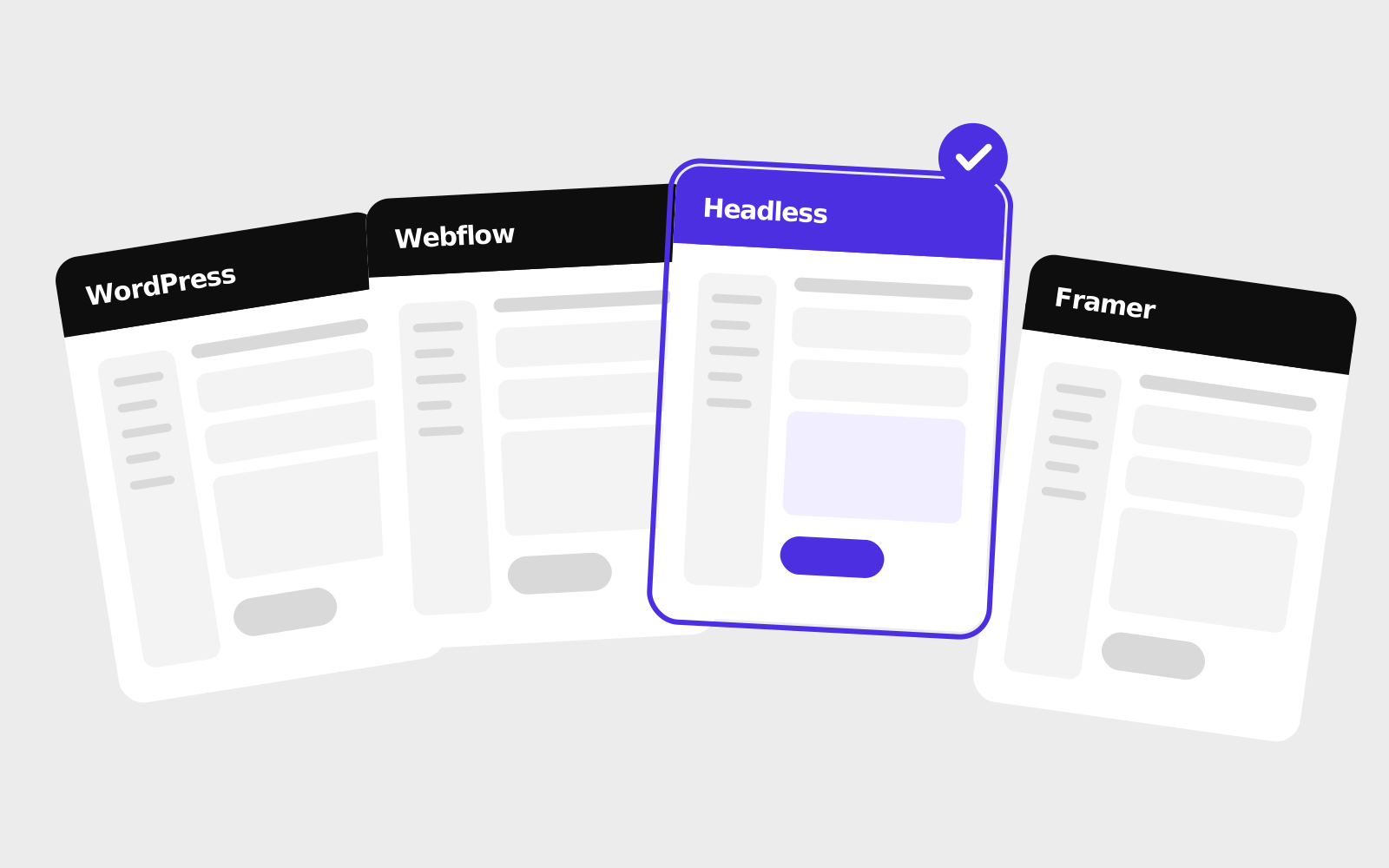
How WordPress, Webflow, Framer, headless CMSs and website builders compare in 2026, and how a small or mid-sized company can pick between them.