
Why isn't my website showing up on Google? How to find the cause in 20 minutes
Your website doesn't appear on Google? Find out whether it's an indexing or a ranking problem, check the usual causes in Search Console and fix them in the right order.
When someone searches for “dentist near me” or “electrician Utrecht”, Google usually shows a map with three businesses before any normal results. Which three appear depends mostly on your Google Business Profile, your reviews and how well your website backs them up. Here's the checklist we work through when we set this up for a client, in the order that makes the biggest difference.
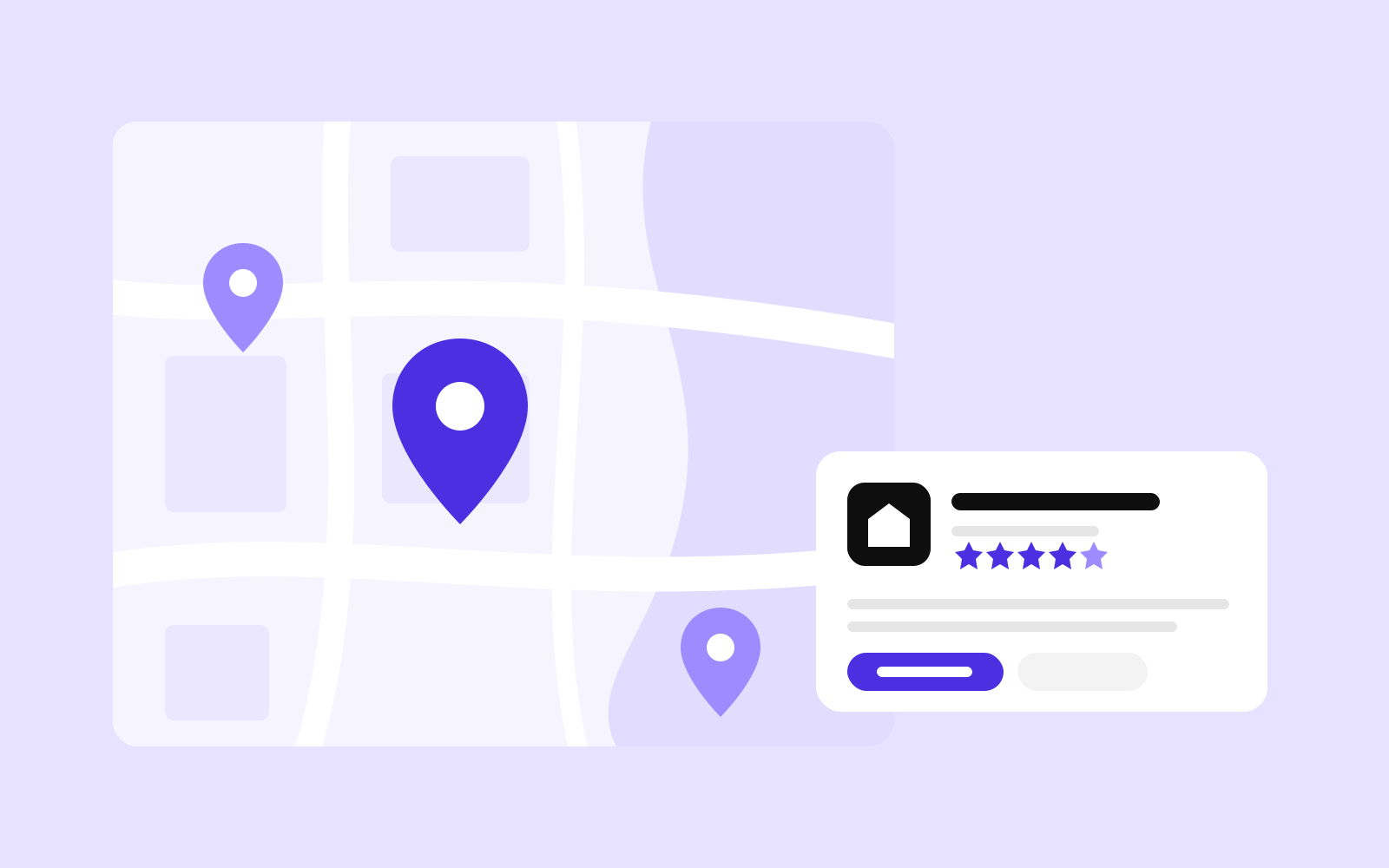
Google says local results are mainly based on relevance, distance and prominence. You can't change how far a searcher is from you. You can make your profile as relevant as possible (complete, accurate, in the right categories), and you can build prominence over time with reviews, links and a website that confirms everything your profile says. Google also states plainly that there's no way to pay for a better local ranking.
So the work comes down to four things: a complete and verified Google Business Profile, a steady flow of genuine reviews, a website with clear pages for your services and locations, and consistent details everywhere else your business is listed.
For most local businesses this is the single most important step. It takes an afternoon to do properly.
Setting up the Business Profile together with Analytics, Search Console and inquiry tracking is part of the starter pack we offer at launch, because a new website without it is invisible in exactly the searches local customers make.
Reviews influence both your ranking and whether people pick you once they see you. Google ties prominence partly to review count and rating, and its help page notes that positive reviews and helpful replies can make a business stand out.
A steady trickle beats a burst. Ten reviews in one week after two years of silence looks odd to readers and to Google.
The profile gets you into the map; the website convinces people and confirms to Google what the profile claims.
Search engines compare what they find about you in different places. Make sure your name, address, phone number and website are the same everywhere you're listed:
When you move or change your phone number, update all of them. Old details in a forgotten directory keep sending customers to the wrong place for years.
?utm_source=google&utm_medium=organic&utm_campaign=gbp) so visits from the profile show up separately in Google Analytics.Not sure how your business looks in local search? Send us your website and business name through our free website check. We look at your Business Profile, your website and how they match, and send you a short list of what to fix first. Free, done by a person, no obligation. If your site doesn't appear in normal results either, start with why isn't my website showing up on Google.
A new, verified Business Profile can appear within days, but ranking in the top three for competitive searches usually takes months of complete information, reviews and a website that supports the profile. Changes to an existing profile often show within a few days.
In the map results it's difficult, because distance is one of the three main factors. Service-area businesses can set the areas they cover. On your website you can describe the areas you serve, but avoid creating many near-identical city pages.
Yes. The profile gets you seen in local results, but the website is where people check your services, prices and work before they call, and it supports the profile's relevance in Google's eyes. Many searches also lead straight to websites rather than the map.
Your website doesn't appear on Google? Find out whether it's an indexing or a ranking problem, check the usual causes in Search Console and fix them in the right order.

Search is changing, AI assistants answer questions directly and visitors are on phones. Our checklist of what a small company website needs in 2026, and what it can do without.
A practical website audit checklist for business owners: test your site in 30 minutes for inquiries, mobile, speed, Google, trust, accessibility and security, with free tools.